
Three sister shops. One website. One basket.


Sublimation Gang Sheet Builder
Sublimation Gang Sheet Builder
Create your own custom sublimation gang sheet using multiple designs on one sheet.
HOW TO ORDER
- Choose your gang sheet size.
- Upload your PNG artwork.
- Resize, rotate, duplicate, and arrange each design.
- Keep every design completely inside the sheet boundary.
- Review your finished layout carefully.
- Click “Add Gang Sheet to Cart” and complete checkout.
ARTWORK REQUIREMENTS
- Upload high-resolution PNG files with transparent backgrounds.
- 300 DPI artwork is recommended for the best print quality.
- Do not upload screenshots, blurry images, or watermarked artwork.
- Your gang sheet will be printed exactly as submitted.
- We do not resize, rearrange, correct, or proofread uploaded designs.
- Colors may vary slightly between your screen and the finished transfer.
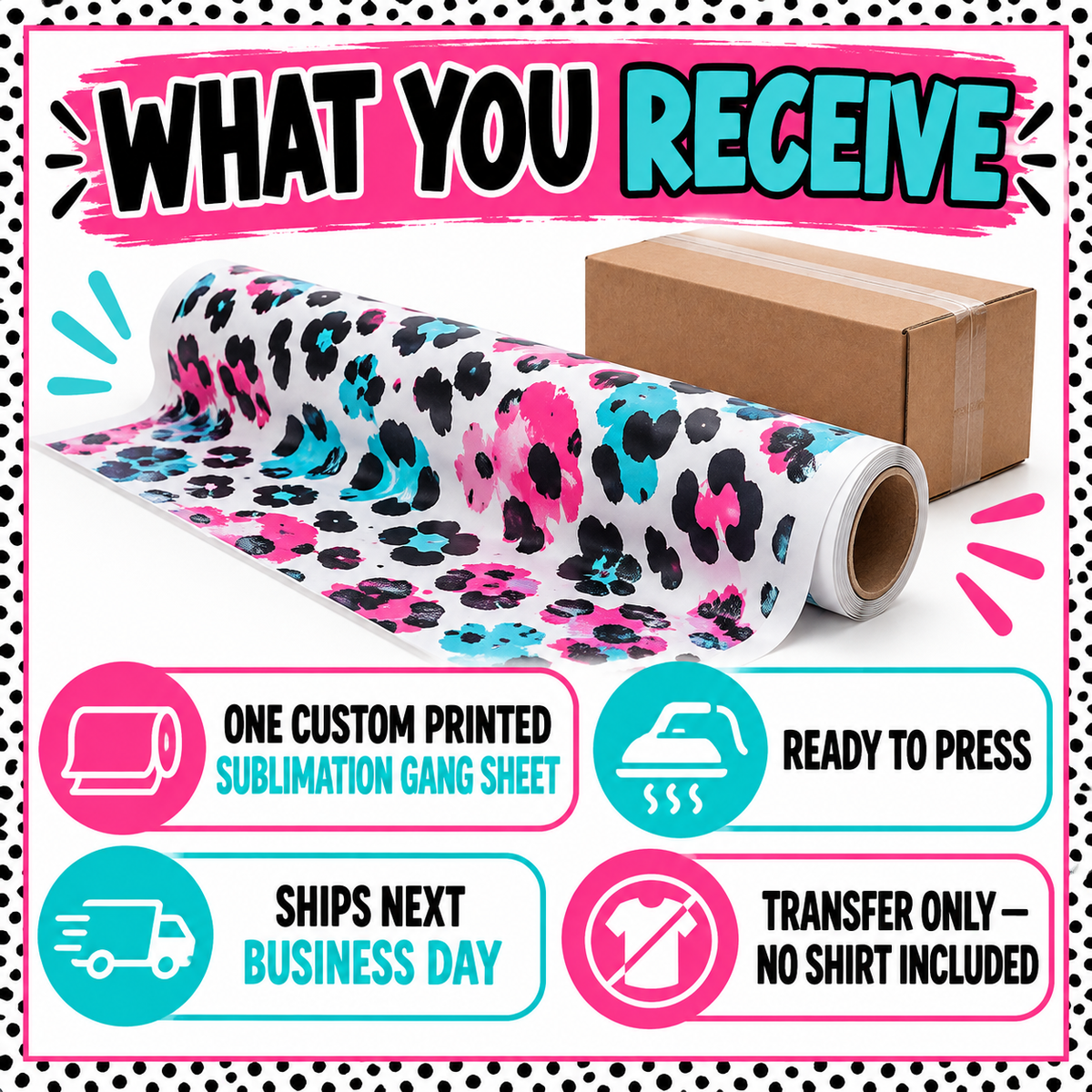
These are sublimation transfers only. A heat press and a sublimation-ready polyester or poly-blend item are required. No physical shirt or finished product is included.


Build your own
Sublimation Gang Sheet Builder
Choose a sheet size, upload your artwork, then arrange each image on the sheet.
Your artwork preview will appear here after you upload.
Choose an image below, then use the size and position controls. Dragging is optional.
Choose your sheet size, then continue to upload.
Uploading an image does not grant permission to use it. Akerland Prints may decline images that cannot be authorized.
Check your sizes and layout before ordering. Your sheet is printed as submitted.
Sublimation pressing instructions
Use a compatible sublimation blank and a heat press. Follow your blank supplier’s temperature, time and pressure instructions. Let the item cool as directed. Do not mirror your uploaded artwork; we prepare the transfer for printing.